Khyber Pakhtunkhwa (KPK/KP) ke students ke liye “Laptop Scheme 2026” ka sab se important point yeh hai ke aksar laptop distribution programs provincial naam se viral hotay hain, lekin official application zyada tar Prime Minister’s Youth Program / HEC portal ke through hoti hai. Is liye apply karte waqt aapko sirf official portals + apni university ki notices ko follow karna chahiye, taake fake links, agents, aur scam pages se bach sakain. Laptop Scheme 2026 (KP/KPK) Online Apply – Complete Guide (Step-by-Step)
Neeche main aapko KP students ke liye online apply ka complete tariqa, documents, eligibility, aur common mistakes ka solution detail se bata raha hoon—bilkul blog-post style me.
1) “Laptop Scheme 2026 KPK” asal me kis scheme ka hissa ho sakti hai?
Pakistan me laptop schemes generally do tarah ki hoti hain:
- Federal / National Level (PM Youth Program + HEC)
Iska portal aksar PMYP / laptop.pmyp.gov.pk hota hai.
Universities students ko verify karti hain.
- Provincial Level (Kabhi kabhi alag portal hota hai)
Punjab ka example alag portal hai (sirf comparison ke liye).
KP me bhi agar kabhi provincial scheme aaye, to uski notification KP Govt official departments ya universities par aati hai.
KP students ke liye, agar 2026 me national cycle open hota hai, to apply ka core process PMYP/HEC style hi hota hai (portal + university verification). Iski step-by-step guidance universities apni notices me deti hain.
2) Official Apply kahan se hota hai?
A) Official Portal (Most common)
Apply online portal ka reference universities apni official updates me deti hain: laptop.pmyp.gov.pk (Apply Online / Eligibility link)
PM Youth Program ka main reference bhi universities aur updates me aata hai: pmyp.gov.pk
B) Important rule (CNIC / Mobile / Email)
Registration ke time par aapko apna khud ka CNIC, mobile number, aur email dena hota hai—kyun ke ye data further processing me use hota hai.
Tip: Kisi aur ka CNIC/email ya fake number use karoge to verification me issue ho sakta hai.
3) Laptop Scheme 2026 (KP) – Eligibility (General Pattern)
Eligibility har cycle me thori change ho sakti hai, lekin universities ke notices aur past cycles se jo common points samajh aate hain:
Aap HEC-recognized institute/university ke student hon (aksar public sector / eligible categories).
Application online submit hoti hai aur phir university verification hoti hai.
Aapko apna department, degree program, enrollment/registration number sahi fill karna hota hai.
Scheme me merit list / verification stages hotay hain (provisional & final lists).
Important: 2026 ki exact eligibility jab officially announce hogi to portal par aur aapki university ki notice me clear hogi. Aap apply se pehle apni university ke “Focal Person” / Student Affairs notice board check zaroor karein.
4) Step-by-Step: Online Apply Process (KP Students)
Neeche main process ko bilkul easy steps me explain kar raha hoon (ye process past official university guidance ke mutabiq hai):
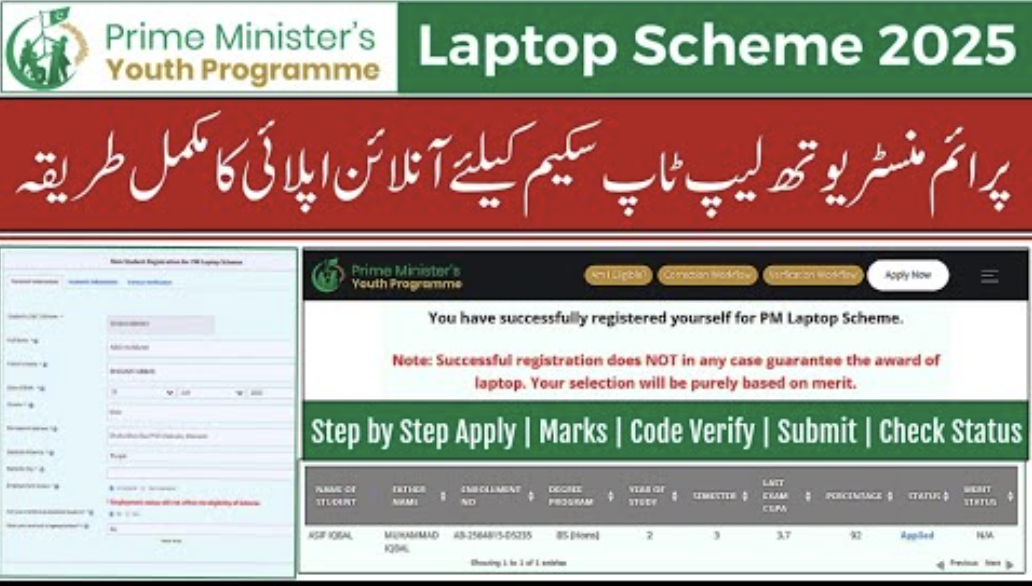
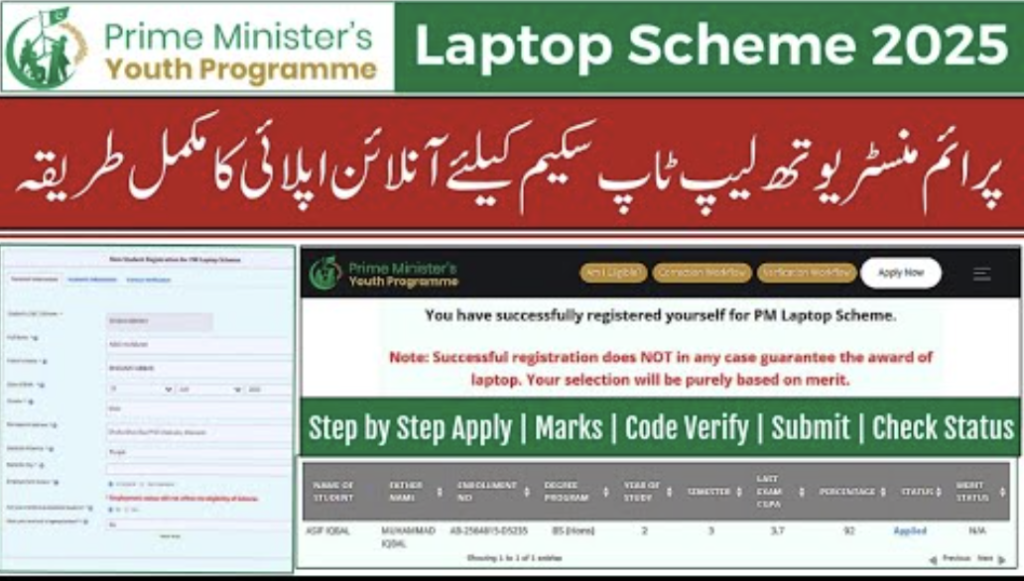
Step 1: Official Portal par jaa kar “Register / Apply”
University notices me Apply Online ka link diya hota hai (laptop.pmyp.gov.pk).
“Fresh Applicant” ya “Update Record” ka option ho sakta hai (agar pehle apply kar chukay ho).
Step 2: Personal info carefully fill karein
Name, CNIC, mobile, email—bilkul CNIC aur university record jaisa.
Pro Tip: Spelling difference (e.g., “Muhammad” vs “Mohammad”) bhi verification me issue kar sakti hai.
Step 3: University / Campus selection
Portal par institution list me apni university / campus sahi select karein. Universities is par special instruction deti hain (mis-selection se application reject ho sakti hai).
Step 4: Department + Degree Program
Apna academic department aur degree program select karein (BS, MS/MPhil, etc.).
Step 5: Enrollment / Registration number
Apna official enrollment/registration number same format me enter karein jaisa university record me hai.
Step 6: CGPA / Academic info
Jo bhi portal mangay (effective CGPA etc.), woh apne LMS/Student Profile se check karke fill karein.
Step 7: Submit + Save proof
Submit ke baad screenshot / application number save kar lein.
Agar portal “Pending Verification” show kare, to aapko apni university ke focal person se contact karna hota hai (universities normally isi tarah guide karti hain).
5) Verification aur Merit List ka system (KP me kaise hota hai?)
Aksar process me ye stages hoti hain:
- Applied (aapne form submit kar diya)
- University Verification (university data cross-check karti hai)
- Provisional Merit List (initial list)
- Final Merit List (final selection)
University pages par aksar provisional aur final merit lists publish hoti rehti hain (dates ke sath).
6) Deadline / Last Date – Hamesha official sources se confirm karein
Deadlines har cycle me different hoti hain aur kabhi kabhi extend bhi ho jati hain. Example ke taur par university updates me deadline extension ka mention milta hai.
Is liye 2026 ke liye:
Portal open/close status, last date—sirf official portal + university notice se confirm karein.
7) Common Mistakes (Jo 80% log karte hain) + Fix
Mistake 1: Wrong university/campus select
✅ Fix: University notice me jo campus instructions hon, unko follow karein.
Mistake 2: CNIC / Name mismatch
✅ Fix: CNIC aur university record me jo spelling hai, wohi type karein.
Mistake 3: Duplicate account / wrong category
✅ Fix: Agar pehle apply kar chukay thay to “Update record” wali option use karein (fresh account na banayein).
Mistake 4: Verification pending aur aap wait karte rehte ho
✅ Fix: University focal person / student office se contact karein.
8) Scam se bachne ka simple formula (KP students ke liye)
Agar koi page/agent:
“Payment maango”, “processing fee”, “whatsapp par apply”, “CNIC photo bhejo”
to samajh jao scam.
Genuine schemes me:
Apply portal official hota hai,
University verify karti hai,
Merit list publish hoti hai.
9) Conclusion: 2026 me KP se online apply ka best tareeqa
Agar aap KP (KPK) ke student ho aur “Laptop Scheme 2026 online apply” karna chahte ho, to aapka best action-plan ye hai:
- Apni university ki official notice follow karo (Focal person / Student Affairs).
- Apply official portal par karo (laptop.pmyp.gov.pk / PMYP references).
- CNIC/mobile/email apna do, record bilkul match rakho.
- Submit ke baad status check karo aur agar verification pending ho to university se contact karo.